01
You already have an app or support system
We check what your system can safely share, then design the connection around the routine already in place.
Keep the setup people already know.
Connected health at home
CasaMia connects compatible health, wellbeing and safety devices so readings, reminders and alerts reach the right person with agreed consent. If you already use an app or support platform, we check whether it can connect safely. If not, CasaMia can provide the app, approved-contact view and support.
Start with what you already have
CasaMia begins with your devices, digital tools, users and response rules, then connects only the readings, alerts and access roles that are useful.
We check what your system can safely share, then design the connection around the routine already in place.
We confirm which readings or alerts matter, then send only those signals to the agreed responder.
CasaMia can provide the user app, approved-contact access, professional dashboard, device setup, onboarding and ongoing support with agreed response rules.
Device integration
CasaMia checks which devices are compatible, which readings matter and who should receive each alert before anything is connected.
Connected blood-pressure monitors, pulse oximeters, thermometers, scales and other supported devices.
SOS buttons, fall-support devices, movement, access, smoke, water and environmental alerts.
Medication routines, hydration prompts, check-ins, activity support and agreed reminders.
Pairing, accounts, Wi-Fi or cellular checks, vendor-cloud review and connection testing.
How information moves
Where it is technically safe, CasaMia connects supported readings and alerts. Together we define what is shared, who sees it, what creates an alert and what stays in the original system.
Person at home · Approved contact · Authorised professional · Care team
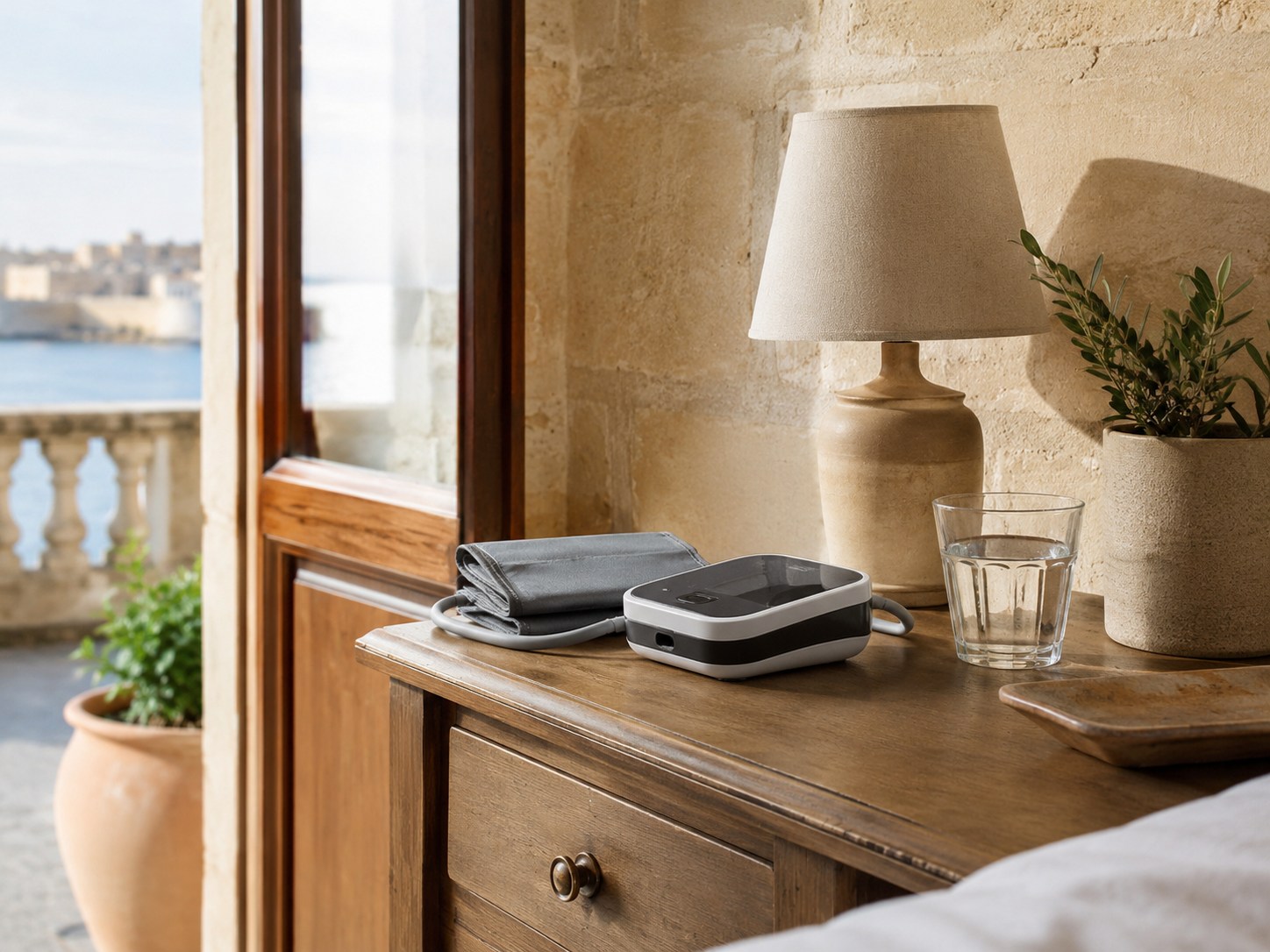
The CasaMia Home Clinic
Home Clinic combines selected compatible devices, guided measurement routines and one organised view. CasaMia installs and pairs the equipment, explains each step and shares agreed readings only with approved contacts or professionals.
Home Clinic supports organisation and communication. It does not diagnose conditions or replace advice from a qualified healthcare professional.
Use your platform—or ours
The setup changes with your starting point. The aim stays the same: controls the person at home can use, and permission-based information for approved contacts.
Connect to what you have
No platform? We provide one
What CasaMia actually sets up
CasaMia does more than pair a device. We set up the equipment, permissions, training and response rules needed to make connected support usable in daily life.
Inventory devices, systems, users, connectivity and the outcome you need.
Confirm compatibility, shared information, permissions, alerts and response responsibilities.
Source agreed devices, install, integrate, configure and test the complete setup.
Guide the person at home, approved contacts, staff and authorised professionals through safe daily use.
Maintain agreed connections, resolve issues and adapt the setup as needs change.
Privacy, reliability and responsibility
Before activation, CasaMia documents who may access each type of information, which alerts each person receives and who is responsible for responding. We aim to collect and share only what the agreed service needs.
Role-based access and agreed visibility for the person at home, approved contacts and professionals.
Clinical, emergency and response responsibilities are documented before launch.
Connectivity, device placement, fallbacks and support contacts are tested before daily use.
Available connected components
This live list reflects CasaMia’s current connected-safety catalogue. Home Clinic, telehealth and custom integrations are reviewed separately after a compatibility check.
Current catalogue
Questions before you connect
We can review many health and safety devices, but a direct integration depends on the manufacturer’s supported interfaces, permissions, connectivity and contractual conditions. We confirm compatibility before proposing a connection.
Yes, when that system exposes a supported and authorised integration path. CasaMia first reviews the available APIs, webhooks or approved exchange methods, then agrees the data flow, permissions and responsibilities.
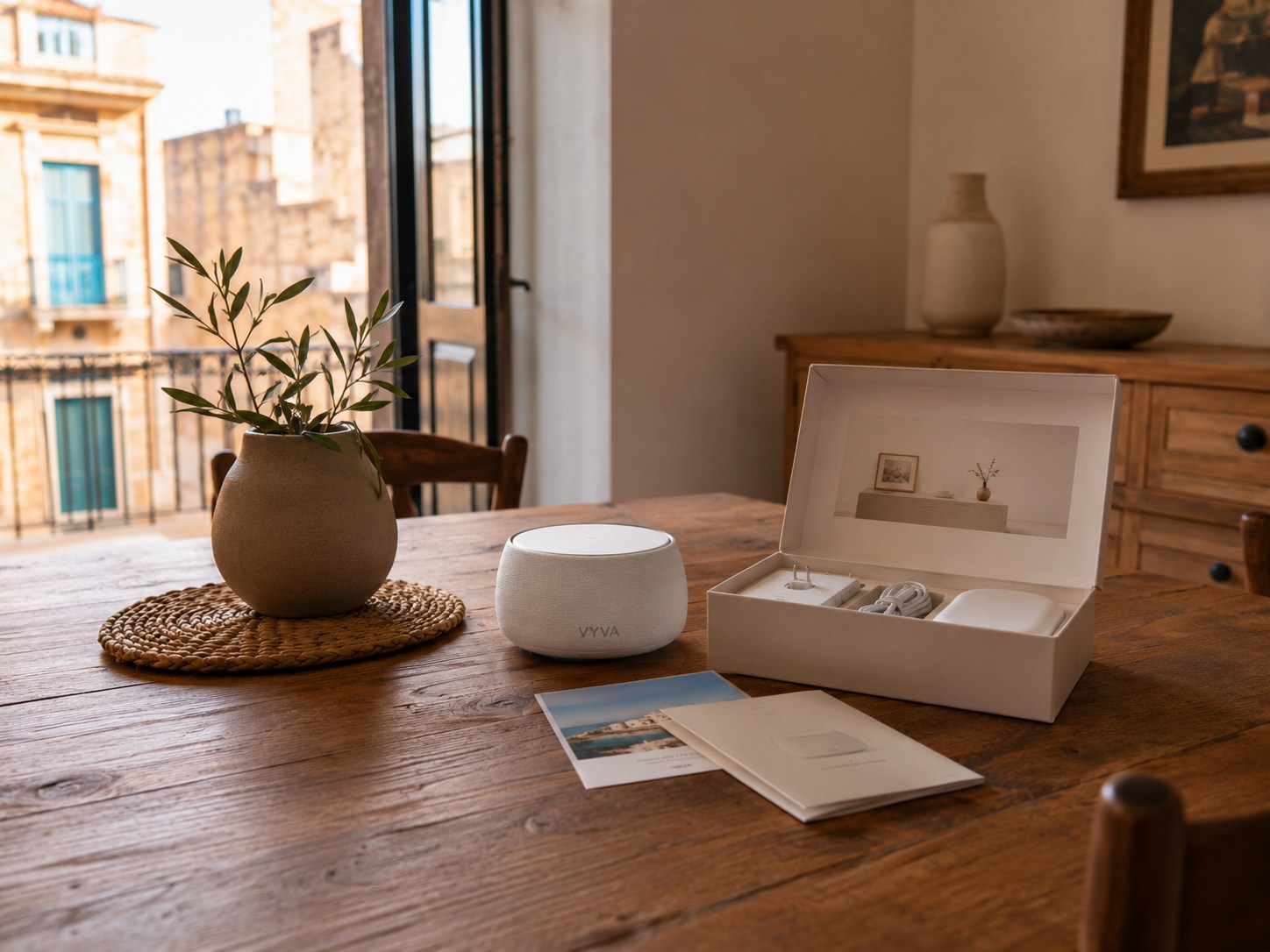
CasaMia can provide the complete digital layer: user app, approved-contact access, professional dashboard and optional VYVA voice support, together with setup and onboarding.
No. Home Clinic organises compatible devices, routines and agreed readings. Diagnosis and medical advice remain with qualified healthcare professionals.
The chosen or participating healthcare provider delivers the consultation. CasaMia supports access, device readiness, reminders and information preparation where agreed.
That is agreed before activation. Alerts can be assigned by type, priority and schedule to named contacts, care staff or contracted response services. CasaMia does not assume emergency responsibility unless explicitly contracted.
Start with your real setup
Bring a device list, an existing system or the outcome you need. We will review the starting point, compatibility, alert recipients and response rules.